No description
 56740db4be
Was running behind with the updating the config, all flake inputs have been updated and produced error's and warnings have been fixed. Also fixed the action to test the build and create an issue with the results. --------- Co-authored-by: github-actions[bot] <github-actions[bot]@users.noreply.github.com> |
||
|---|---|---|
| .docs/images | ||
| .github/workflows | ||
| config | ||
| .envrc | ||
| .gitignore | ||
| flake.lock | ||
| flake.nix | ||
| LICENSE | ||
| README.md | ||
| renovate.json5 | ||
NixVim Configuration
This repository contains my personal configuration NixVim, a Neovim configuration managed with Nix.
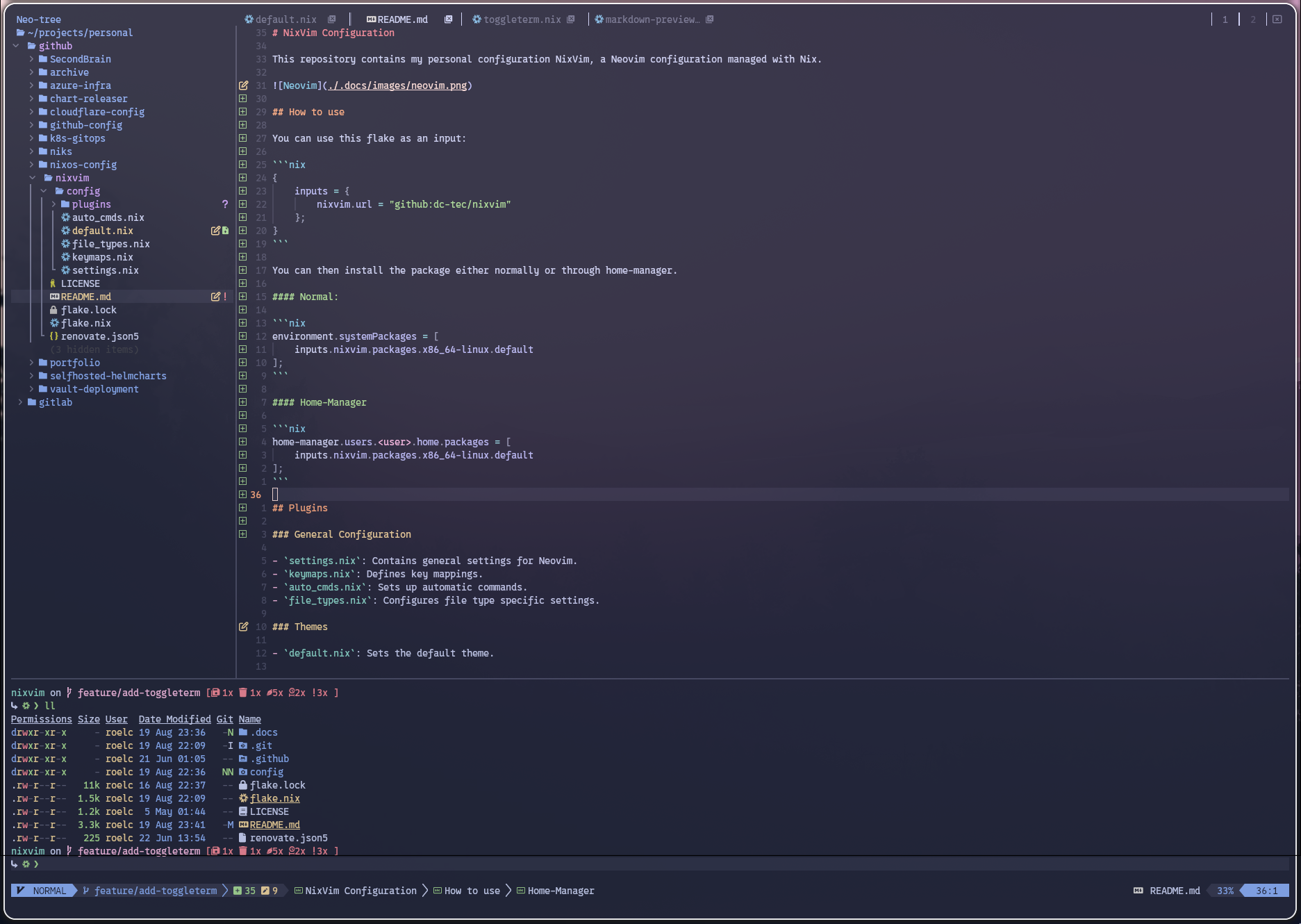
How to use
You can use this flake as an input:
{
    inputs = {
        nixvim.url = "github:dc-tec/nixvim"
    };
}
You can then install the package either normally or through home-manager.
Normal:
environment.systemPackages = [
    inputs.nixvim.packages.x86_64-linux.default
];
Home-Manager
home-manager.users.<user>.home.packages = [
    inputs.nixvim.packages.x86_64-linux.default
];
Plugins
General Configuration
settings.nix: Contains general settings for Neovim.keymaps.nix: Defines key mappings.auto_cmds.nix: Sets up automatic commands.file_types.nix: Configures file type specific settings.
Themes
default.nix: Sets the default theme.
Completion
cmp.nix: Configures the cmp completion framework.cmp-copilot.nix: Adds GitHub Copilot support to cmp.lspkind.nix: Adds icons to lsp completion items.autopairs.nix: Adds the autopairs plugin.schemastore.nix: Adds the schemastore plugin for JSON and YAML schemas.
Snippets
luasnip.nix: Configures the LuaSnip snippet engine.
Editor Plugins and Configurations
neo-tree.nix: Configures the NeoTree file explorer.treesitter.nix: Configures the TreeSitter syntax highlighter.undotree.nix: Configures the UndoTree undo history visualizer.illuminate.nix: Configures the Illuminate plugin for highlighting other uses of the current word under the cursor.indent-blankline.nix: Configures the Indent Blankline plugin for displaying indentation levels.todo-comments.nix: Configures the Todo Comments plugin for highlighting TODO comments.copilot-chat.nix: Configures the Copilot Chat plugin for interacting with GitHub Copilot.navic.nix: Configures the Navic plugin, shows the current code context.
UI Plugins
bufferline.nix: Configures the Bufferline plugin for enhanced buffer/tab display.lualine.nix: Configures the Lualine status line plugin.startup.nix: Configures the startup screen.
LSP
lsp.nix: Configures the Neovim LSP client.conform.nix: Configures the Conform plugin for automatic code formatting.fidget.nix: Configures the Fidget plugin for displaying LSP diagnostics in the status line.
Git
lazygit.nix: Configures the LazyGit plugin for Git integration.gitsigns.nix: Configures the GitSigns plugin for displaying Git diff information.
Utils
telescope.nix: Configures the Telescope plugin for fuzzy finding and picking.whichkey.nix: Configures the WhichKey plugin for displaying key mappings.extra_plugins.nix: Configures additional plugins.mini.nix: Configures the Mini plugin.obsidian.nix: Confiugres the Obsidian plugin, for note-taking purposes.markdown-preview.nix: Configures the Markdown Preview plugin.toggleterm.nix: Configures Terminal plugin.
Please refer to the individual .nix files for more detailed configuration information.
References
This configuration has taken inspiration from the following contributors.